

Inventory and accounting software
Buy, stock, sell, and the books follow.
Sale and purchase orders create their invoices and bills, every order moves your stock, and every payment posts to your accounts as it is recorded.
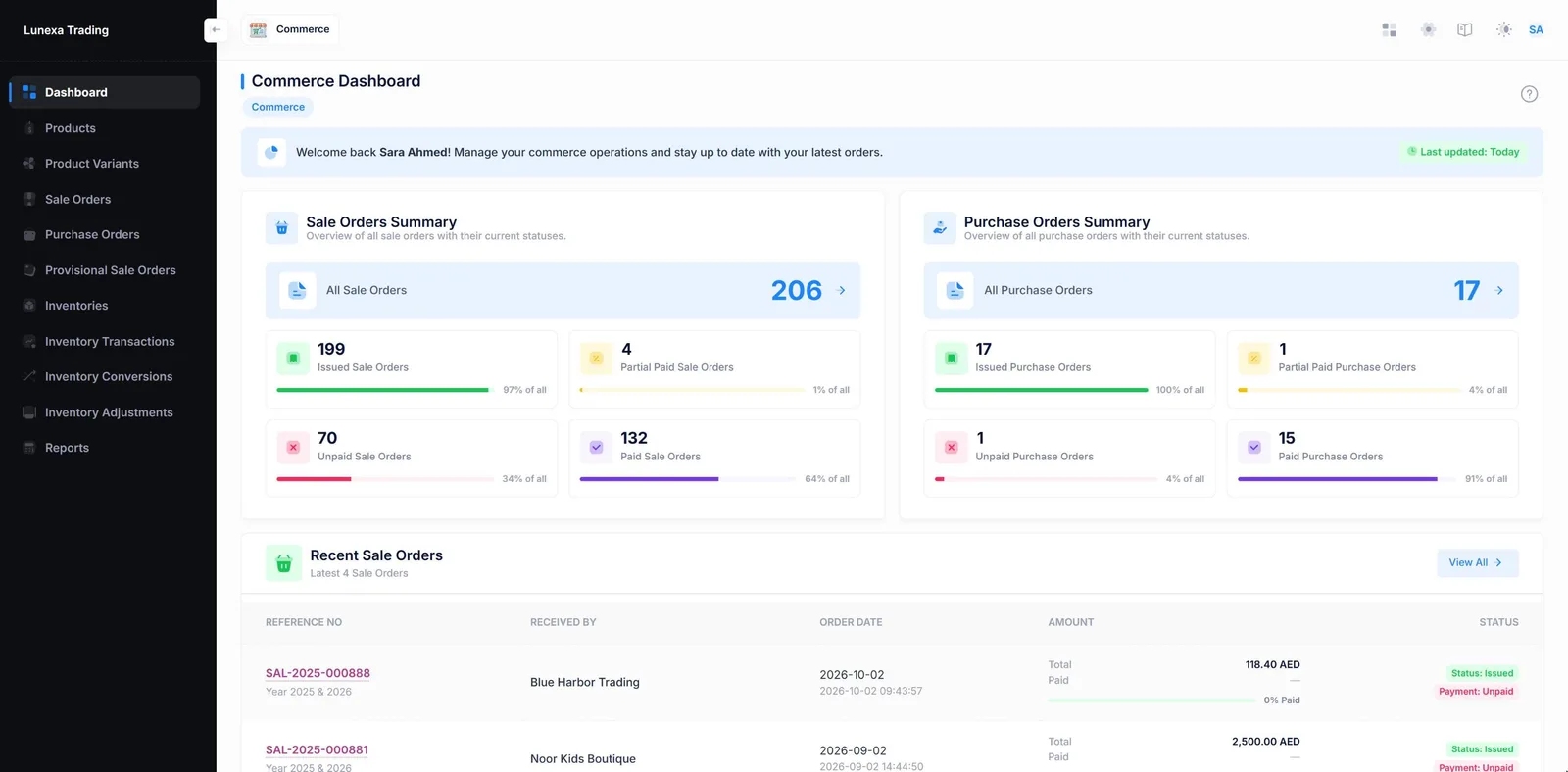
How it works
- 1
Buy
A purchase order creates the bill.
- 2
Receive stock
Units arrive in the warehouse you choose.
- 3
Sell
A sale order creates the invoice.
- 4
Record payments
Against the invoice or the bill, cheques included.
- 5
Count and adjust
Correct the stock after a count.
What you get
Sale orders
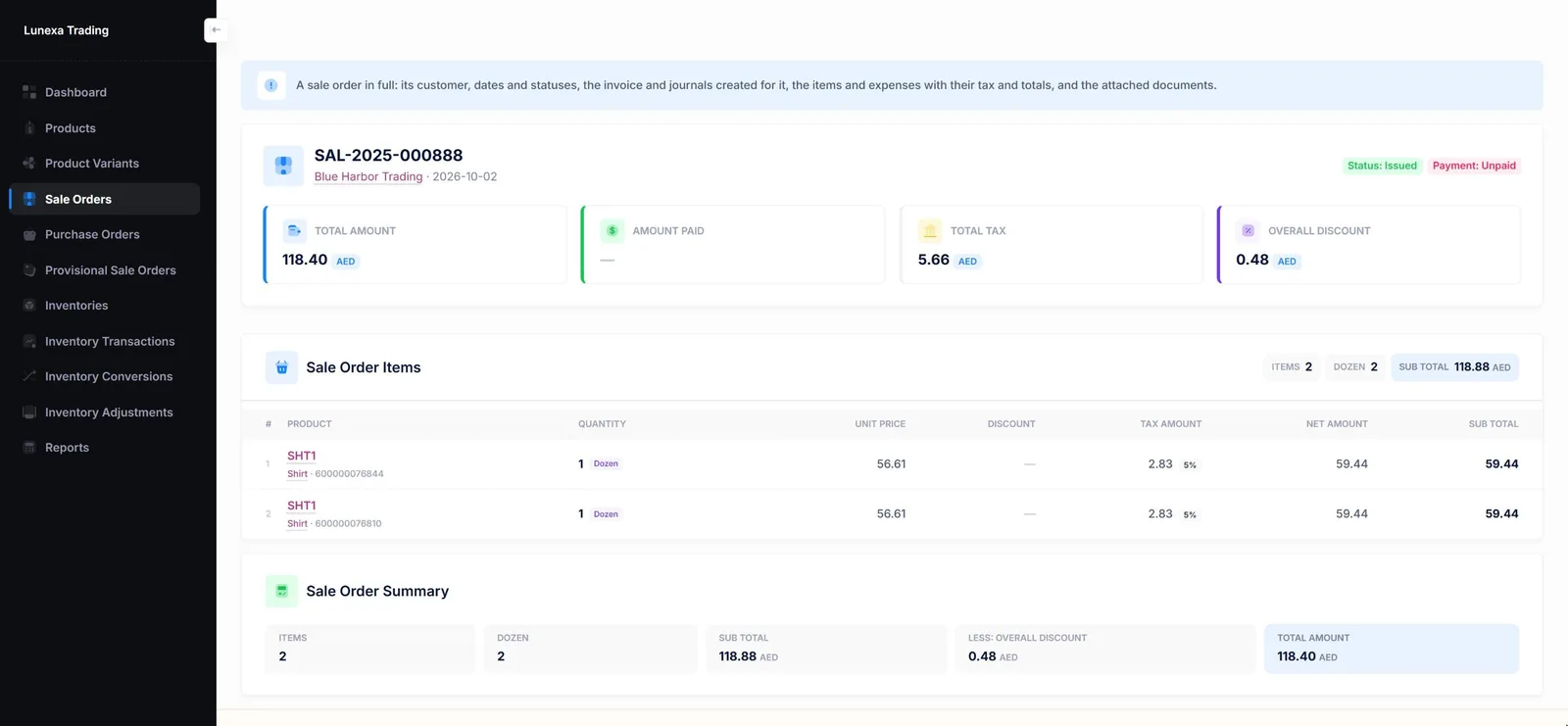
Issue a sale order and the invoice is created with it. Payment and delivery are tracked on the same record.
- The invoice comes with the order
- Unpaid, partly paid or paid; delivered or not
- Quotations, returns and revokes
Purchase orders
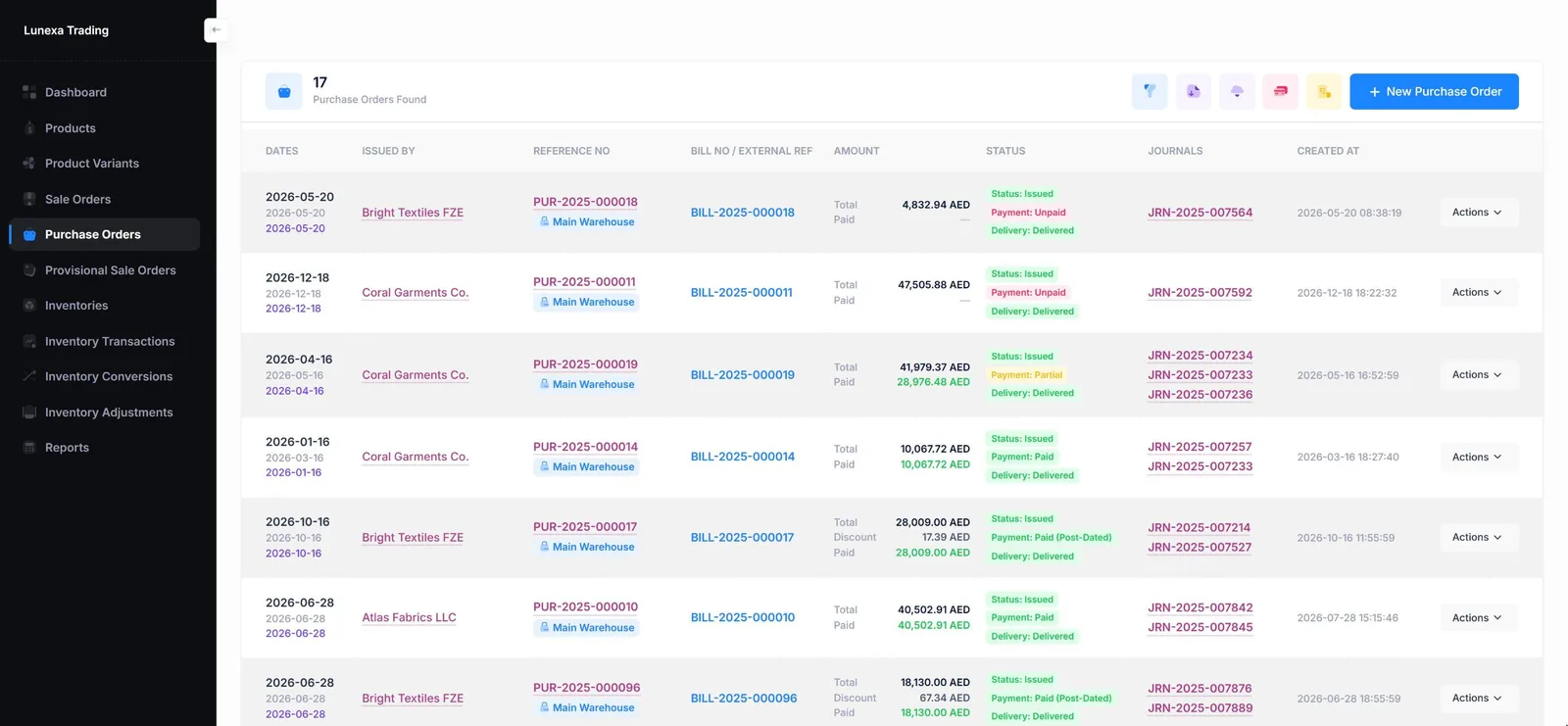
Issue a purchase order and the bill is created with it. The goods arrive in the warehouse you choose.
- The bill comes with the order
- Stock received into a warehouse
- Post-dated payments
Products and barcodes
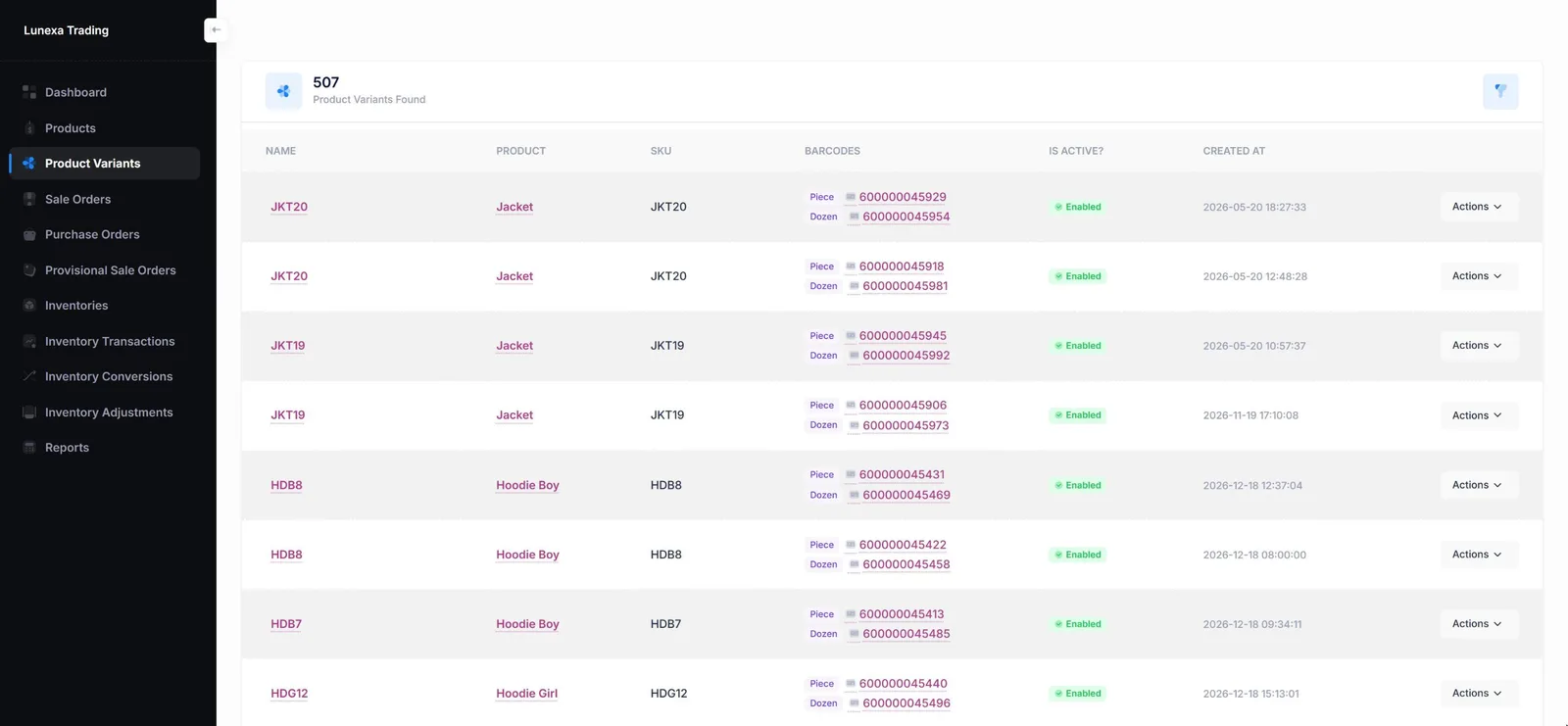
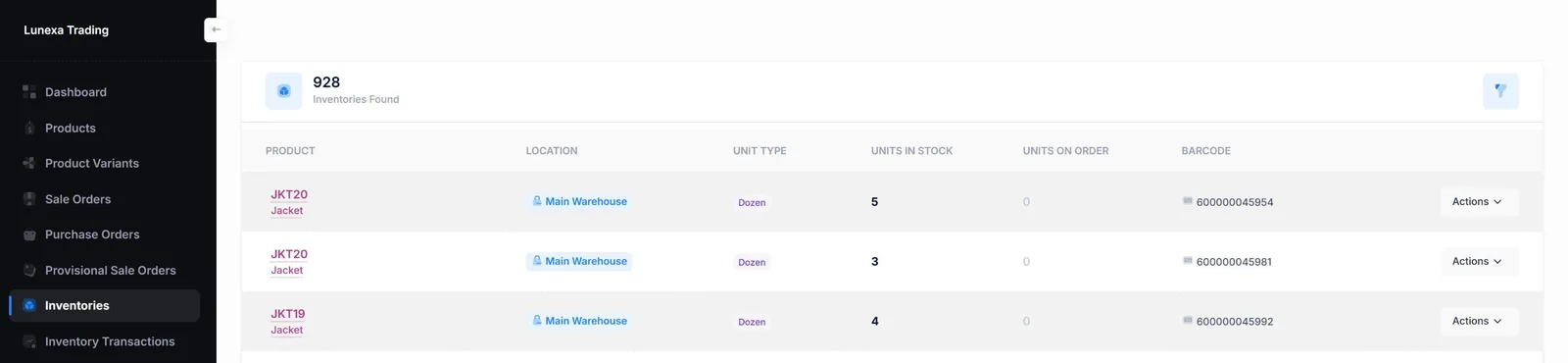
One product, many variants, each with its own SKU, barcodes and prices.
- Variants by size, colour or any attribute
- A barcode for each unit: piece, dozen
- Barcodes printed from the panel
Stock and warehouses
Stock in every warehouse and store, with units on order, unit conversions and adjustments.
- Every warehouse and store
- Unit conversions
- Count and adjust
Accounting built in
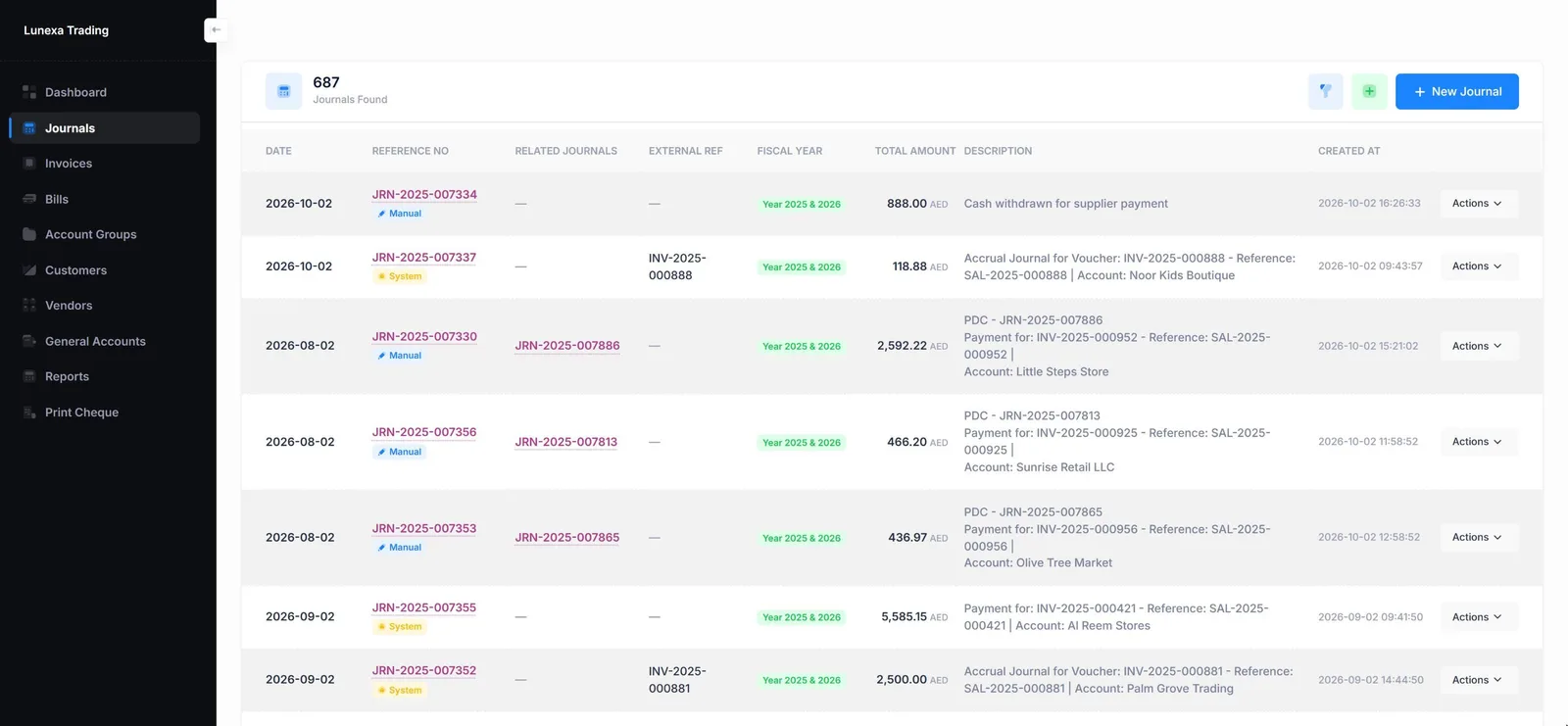
Every order and payment posts its journal, so nobody types a sale into the books again.
- A journal behind every order
- Customers, vendors and accounts in one ledger
- Payments and cheques on the same record
Accounting built in
Your books, in the same system
Every order, deal and payment posts to the accounts as it is recorded. Nothing is typed twice.
See the Accounting Panel- Journals
- Account groups
- Accounts
- Fiscal years
- Currencies
- Expenses and bills
- Payments and cheques
- Cheque printing
- Financial reports
20 reports in 6 groups
Reports
From the sales trend down to every unit of stock, filtered by date, location, customer or seller.
Sales7
- Sale orders
- Sales trend
- Gross profit
- Customer sales
- Seller performance
- Location sales
- Discounts and below-cost sales
Purchases2
- Purchase orders
- Vendor purchases
Deliveries and returns2
- Pending deliveries
- Returns and refunds
Stock value3
- Inventory valuation
- Inventory amount valuation
- Inventory turnover
Stock control4
- Low stock
- Slow-moving stock
- Adjustments and shrinkage
- Stock movement ledger
Products2
- Product orders
- Product variant orders
Before and after
Without Lunexa: Stock kept in spreadsheets: nobody is sure what is on the shelf
With Lunexa: Every sale and purchase moves the stock, per warehouse
Without Lunexa: The order in one place, the invoice in another
With Lunexa: Issue the sale order and the invoice is there
Without Lunexa: What you ordered and what you owe don't match
With Lunexa: Issue the purchase order and the bill is there
Without Lunexa: Sales and purchases typed again by finance
With Lunexa: Every order posts its journal in the same system
Without Lunexa: Labels and codes that differ from store to store
With Lunexa: A barcode for each unit, printed from the panel
Included in every panel
Roles and permissions
Give each role exactly the buttons it needs, and let people see everything or only their own records.
Audit logs
See who changed what, and when.
Login history and devices
Check each user's sign-ins and active devices, and sign them out remotely.
Currencies and fiscal years
Work in several currencies, with fiscal years you can switch between.
Works on phones
Every page works on a phone, with tables that turn into cards.
Help on every page
A guide for each page, written for the people who use it.
See Lunexa with your own business in mind
Tell us how you work today and we'll walk you through the panel that fits.